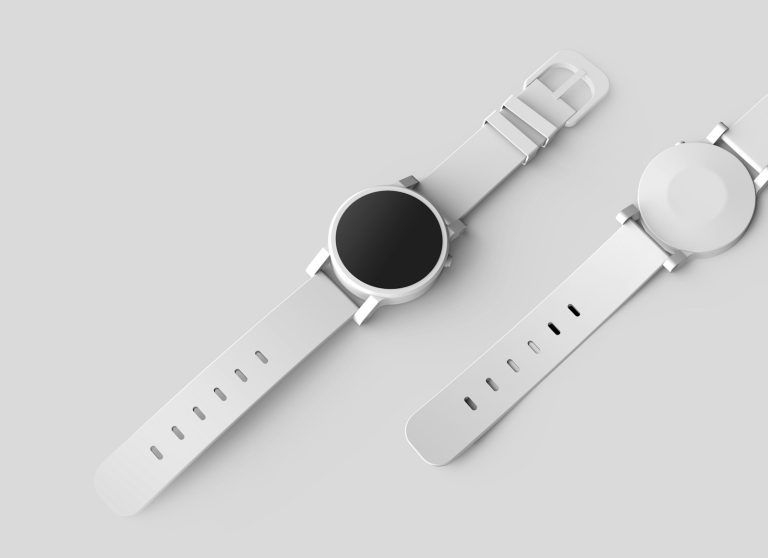
A smartwatch is most useful when it gives you the information you need without buzzing constantly or demanding unnecessary access. A careful first-time setup can improve comfort, battery life and privacy. The exact menus vary by brand, but the principles apply to most Bluetooth watches and fitness bands.
1. Pair through the official companion app
Install the companion app from the official app store or the watch manufacturer’s website. Check the developer name before installing. Pair from inside the app rather than relying on a random QR code or a third-party download page. Keep the watch and phone close during the first sync and install firmware only through the official process.
2. Choose notifications deliberately
Start with calls, calendar reminders and messages from people or services you actually need. Disable low-value shopping, social and promotional alerts. If the watch shows message previews, consider hiding sensitive content on the wrist. A smaller set of alerts makes the device more useful and reduces interruptions.
3. Improve battery life without losing essentials
- Lower screen brightness to a comfortable level
- Shorten always-on display or raise-to-wake duration if battery life matters
- Reduce unnecessary health measurements if the manufacturer allows it
- Turn off features you do not use, such as continuous stress tracking
- Review which apps can send notifications
- Keep firmware and the companion app updated
4. Wear the watch correctly
For optical heart-rate sensors, the watch should sit snugly above the wrist bone without cutting off circulation. A loose strap, tattoos, movement, cold skin and sensor placement can affect readings. For workouts, adjust the strap so the device stays stable, then loosen it afterwards for comfort.
5. Understand health readings
Consumer watches can help you observe trends such as activity, resting heart rate or sleep estimates. They are not a substitute for clinical testing or a medical diagnosis. Sensor accuracy can vary with fit, movement, skin characteristics, device model and the activity being measured. Do not change medication or delay medical care based only on a watch notification.
6. Protect the account and personal data
Use a strong password and two-step verification where available. Review the companion app’s permissions and privacy settings. Check whether health data is stored locally, in a cloud account or shared with other services. Remove old paired devices from your account when you sell or give away a watch.
7. Water resistance is not a universal promise
Check the exact model’s rating and the manufacturer’s care instructions. Water resistance can change as seals age or after impact. A rating does not automatically mean the watch is suitable for hot showers, sauna, diving or high-pressure water. Follow the device-specific guidance.
A first-week check
After a few days, review battery life, notification usefulness, strap comfort and the consistency of readings. If the watch disconnects often, check app background restrictions, Bluetooth settings and firmware. Avoid installing unofficial companion apps to fix a connection problem.
Frequently asked questions
Should I wear my smartwatch tightly all day?
No. It should be stable enough for the sensor to work but comfortable, and you should allow your skin to breathe.
Can a smartwatch detect every health problem?
No. Consumer sensors have limitations and cannot rule out a condition. Treat unusual symptoms seriously regardless of what the watch reports.
A good smartwatch setup is quiet, comfortable, secure and useful.