

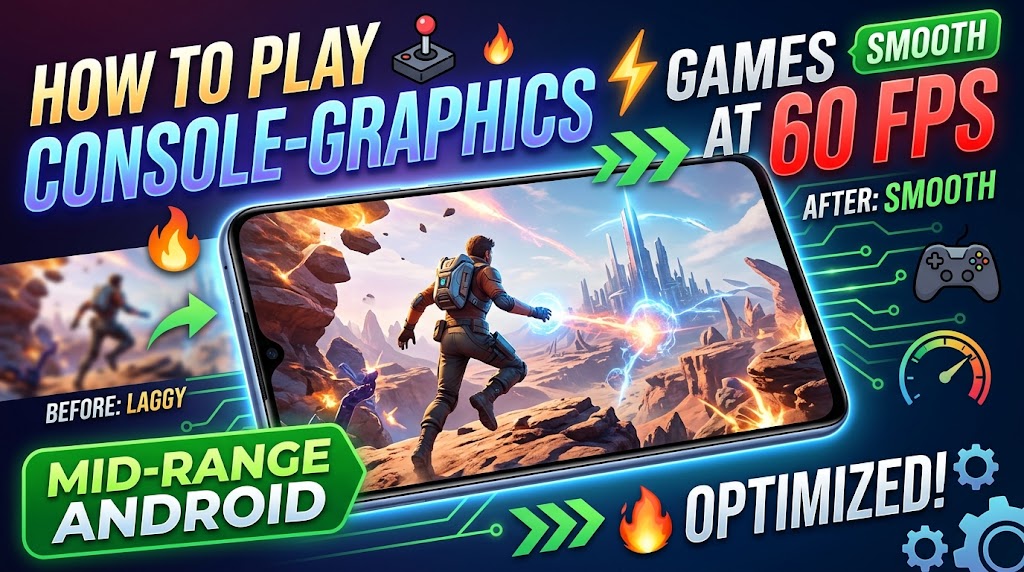
top suffering from frame drops, phone overheating, and lag spikes while gaming! 🛑
Modern open-world mobile games look like PlayStation 5 titles, but they can easily turn your phone into a boiling brick after just 15 minutes of play.
You don’t need a $1,000 flagship gaming phone. Here is how to unlock unlimited 60 FPS smooth performance on mid-range phones (Xiaomi, Realme, Samsung, Infinix, Vivo) using hidden Android developer flags and game booster optimization! 👇
⚡ 4 Steps to Unlock Max Gaming Performance:
1️⃣ Force Hardware GPU Rendering:
- Go to Settings ➔ Developer Options.
- Enable Force 4x MSAA (for crisp textures) or turn ON Disable HW overlays so your GPU handles all screen rendering directly.
2️⃣ Clear Game Caches & Enable Game Turbo/Space:
- Never open heavy games directly from the home screen! Always launch through your phone’s native Game Booster (e.g., Xiaomi Game Turbo, Samsung Game Launcher) and turn on Performance Mode.
3️⃣ Adjust In-Game Graphic Ratios:
- High FPS is better than high resolution! Set Graphics Quality to Medium/Low and push FPS setting to 60 or 90 FPS. Your game will feel instantly butter-smooth without overheating your battery!
4️⃣ Disable Battery Saver During Gaming:
- Battery saver modes intentionally throttle CPU power by 40%. Turn it OFF before launching games.
💡 Compatibility Check: Works on all Android smartphones with 4GB+ RAM running Android 11 or higher.
💬 Tell us in the comments: What is your favorite mobile game right now, and what phone are you playing it on?
📌 Save this post so you can tweak your settings before your next gaming session!
🔗 For full game reviews, benchmark tests, and Android speed hacks, visit:
👉 miuibd.com — Mobile & Innovation Unlimited Insights Bangladesh
#MobileGaming #AndroidGames #60FPSGaming #GameBooster #TechTips #MIUIBD #BangladeshTech #GamingHacks