
Night photos often look blurry, noisy or too bright because the phone is trying to gather light while your hands and the subject keep moving. You do not always need a new camera phone. These simple habits can improve low-light results on many Android devices.
1. Clean the camera lens
Fingerprints create haze around streetlights and bright signs. Wipe the lens gently with a clean microfiber cloth before shooting.
2. Hold the phone steady
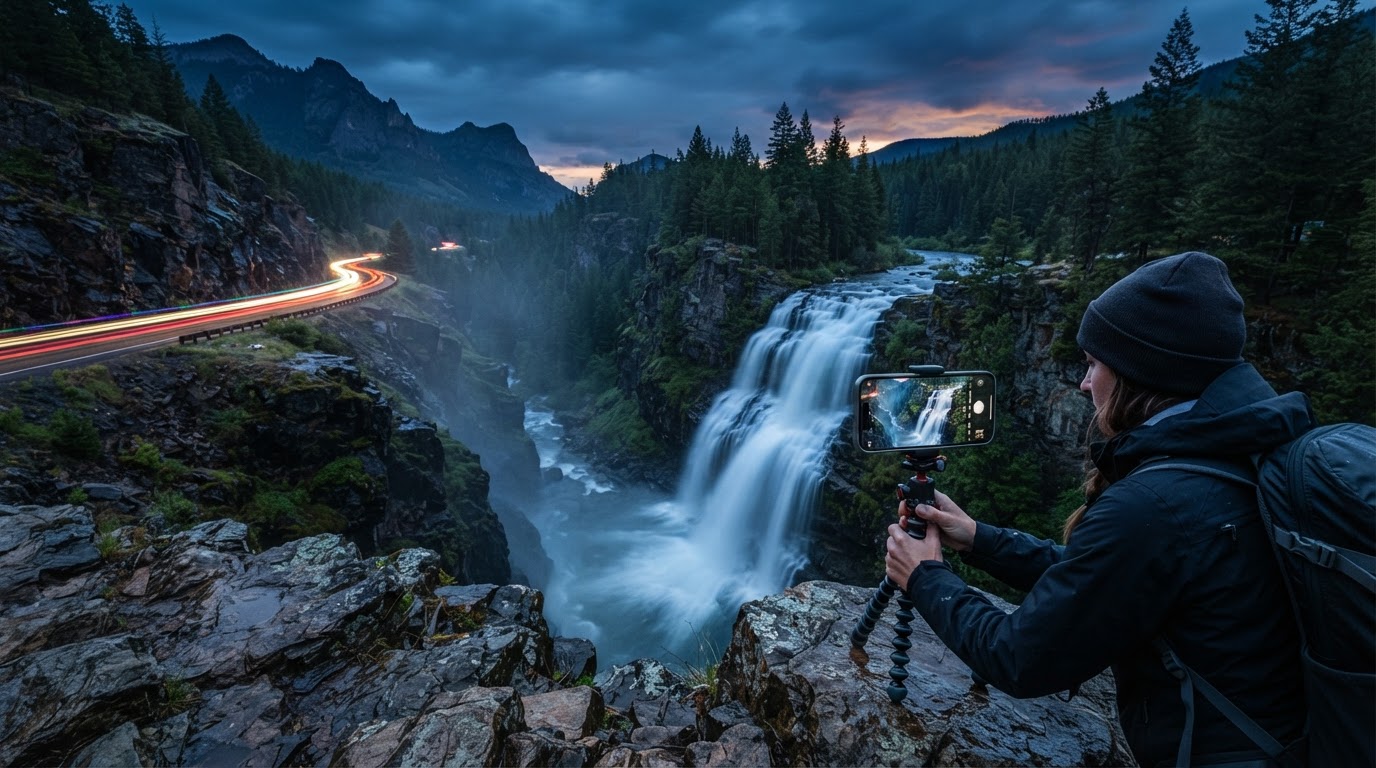
Use both hands, keep elbows close to your body or lean against a stable surface. For long exposures, use a tripod or a phone stand and a timer.
3. Try Night mode—but keep the subject still
Night mode may combine multiple frames to brighten a scene. It works best when the phone and subject remain still during capture. Moving people can appear blurred.
4. Tap to focus and control exposure
Tap the subject and adjust exposure if bright signs or lamps are washing out the scene. Slightly darker exposure can preserve highlights and make night scenes look more natural.
5. Avoid digital zoom
Digital zoom crops the image and can make noise more visible. Move closer when safe or use the phone’s optical camera if available.
6. Use the main camera for darker scenes
The main camera often has a larger sensor or brighter lens than the ultra-wide or macro camera. Compare results on your own model.
7. Look for available light
Use shop windows, street lamps or soft side lighting. A little directional light can create more detail than trying to brighten a completely dark scene.
8. Shoot RAW only when you plan to edit
RAW files can preserve more editing flexibility but take more storage and require post-processing. For quick sharing, the standard camera mode may be more convenient.
9. Edit gently
Lift shadows carefully, reduce noise moderately and avoid oversharpening. Heavy editing can create unnatural skin, halos and color shifts.
Quick challenge: Photograph the same night scene in Auto, Night and Pro modes from a stable position. Compare sharpness, highlight detail and color—not just brightness. Camera results vary by model and software version.