

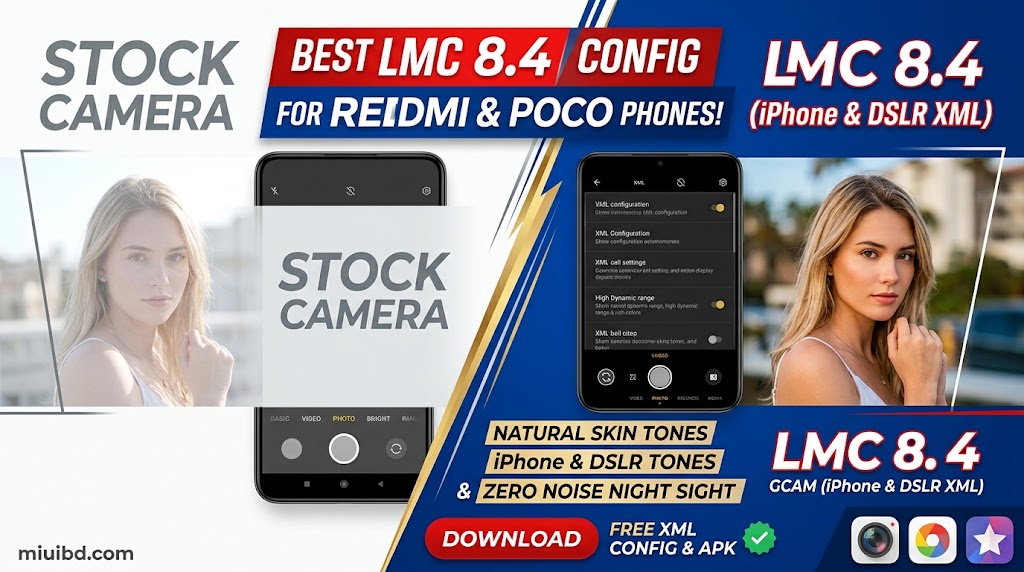
If you own a Xiaomi, Redmi, or POCO phone, you already know that while the hardware is great, the default stock camera app often washes out skin tones, creates unnatural exposure, or struggles in low-light environments.
The secret to unlocking your phone’s true camera potential isn’t buying an expensive flagship—it’s installing LMC 8.4 Camera (GCam) along with a custom XML Config File specifically tuned for natural lighting and realistic skin tones.
In this guide, we provide generic, direct download links for the stable LMC 8.4 R18 APK and popular community iPhone Tone & DSLR XML Config Presets.
1. Why Stock Camera Fails vs. LMC 8.4 GCam
| Feature | Stock MIUI / HyperOS Camera | LMC 8.4 with Custom XML |
| Human Skin Tones | Over-sharpened & artificially pale | Warm, natural, and realistic skin tone |
| Edge Detection (Portrait) | Blurs hair and clothes randomly | Crisp subject separation |
| Dynamic Range | Blows out sunny skies | Retains cloud detail and natural sky blue |
| Night Shots | Grainy and noisy | Clean exposure with reduced noise |
2. Download LMC 8.4 APK & XML Config Files
You can download the tested files directly from official developer mirrors below:
- Step 1 (Main Camera App):🔗 Download LMC 8.4 R18 APK (Official Celso Azevedo Mirror)
- Step 2 (iPhone Tone XML Config):🔗 Download iPhone Tone Config XML (LMC Config Directory)
- Step 3 (Alternative Device-Specific Configs):🔗 Browse Official Device-Specific XML Configs (Celso Azevedo)
3. How to Install & Apply XML Config (3-Step Setup)
- Install APK: Download the LMC 8.4 APK file and tap to install it (enable “Install from Unknown Sources” in your browser settings if prompted).
- Create Folder Structure: Open your device’s File Manager, go to Internal Storage, and create a new folder named
LMC8.4. Move your downloaded.xmlfile into this folder. - Load XML in Camera:
- Open the LMC 8.4 Camera app.
- Double-tap on the empty black area between the shutter button and the gallery preview icon.
- Select your downloaded
.xmlfile from the popup menu and tap Import / Restore.
4. Recommended Camera Settings for Best Results
- HDR+ Enhanced: Keep it turned ON for outdoor shots to balance high contrast.
- Main Sensor Resolution: Set to Full Resolution in settings for maximum sharpness.
- RAW Format Support: Enable RAW capture if you plan to edit your photos in Lightroom.
💡 The Result
Compare your photos before and after applying the config! You will immediately notice sharper textures, natural skin tones, and rich depth without needing heavy post-editing filters.
Having trouble installing or getting a black screen? Leave a comment below with your exact phone model, and our community will assist you!