
Stop blaming your phone! 🛑 Is your Android laggy, slowing down, or hanging when opening apps?
Before you spend money buying a new phone, try this secret hidden setting built into EVERY Android device! (Works on Xiaomi, Samsung, Realme, Vivo, and OnePlus) 👇
⚡ Step-by-Step Fix:
1️⃣ Unlock Developer Mode:
- Go to Settings ➔ About Phone.
- Find Build Number (or MIUI/HyperOS Version) and tap it 7 times continuously!
- Enter your screen lock PIN if asked. You are now officially a Developer! 🎉
2️⃣ Adjust the Speed Toggles:
- Go back to Settings ➔ System (or Additional Settings) ➔ Developer Options.
- Scroll down to the Drawing section.
- Find these 3 settings:
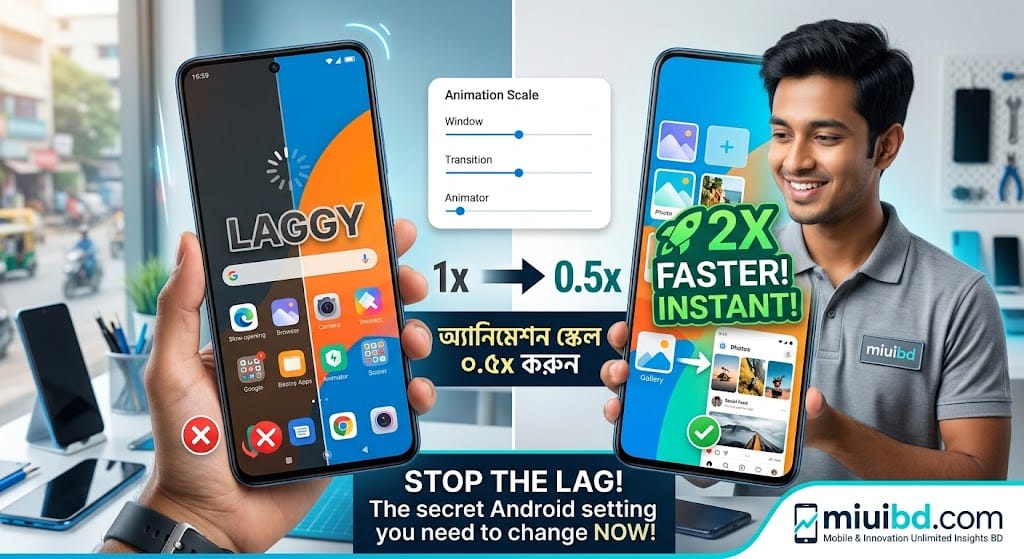
- 🔹 Window animation scale
- 🔹 Transition animation scale
- 🔹 Animator duration scale
3️⃣ Change them all from 1x to 0.5x (or turn them Off complete for instant speed!).
💡 Why does this work?
Android uses visual transition effects every time you open an app, swipe home, or open menus. Dropping the animation scale cuts that delay in half, making your display feel instant, ultra-smooth, and responsive!
💬 Try it right now and tell us in the comments: Did your phone get faster?
📌 Save this post for later and share it with a friend who has a lagging phone!
🔗 For more mobile tricks, tech troubleshooting, and budget phone reviews, visit:
👉 miuibd.com — Mobile & Innovation Unlimited Insights Bangladesh
#TechTips #AndroidTricks #PhoneHacks #XiaomiBD #MobileTips #MIUIBD #BangladeshTech #TechFix