
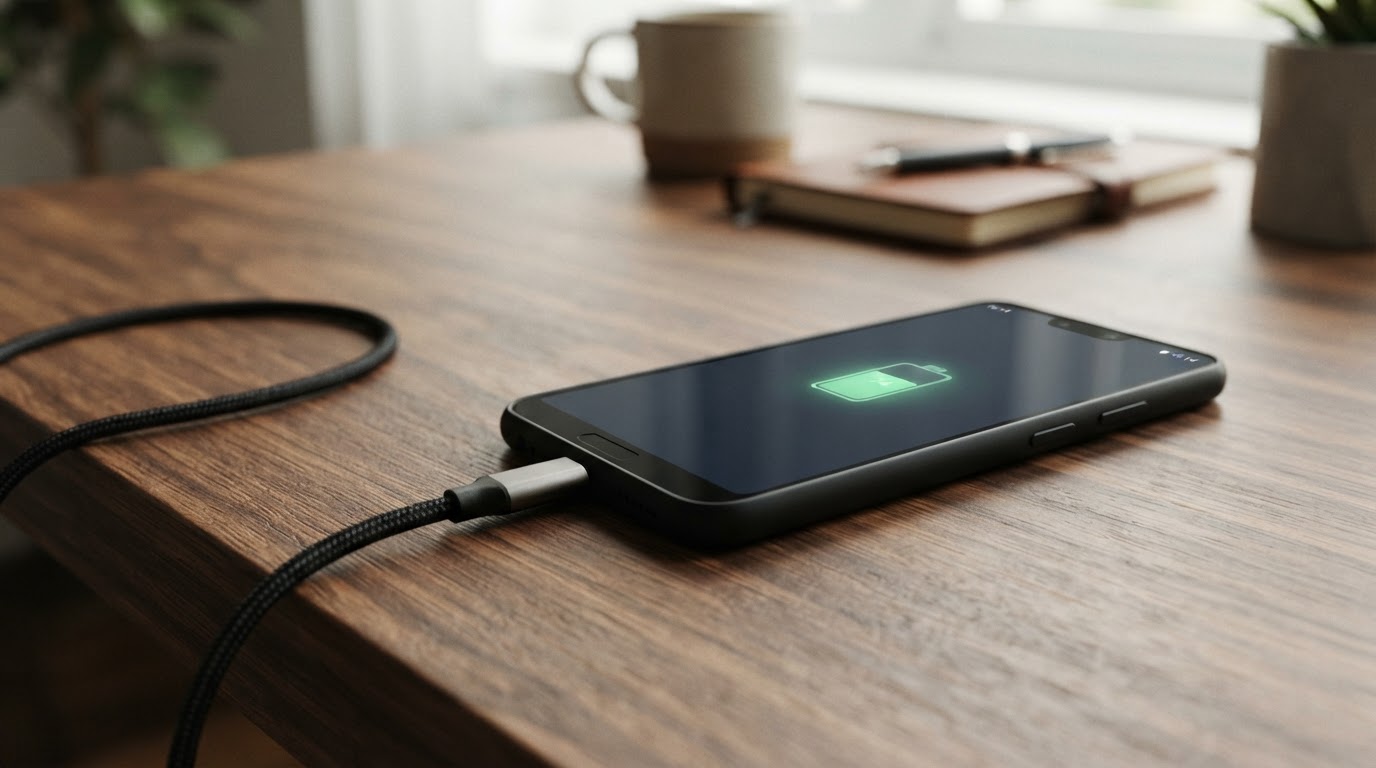
If your phone battery drains quickly, installing a random battery-saver app is rarely the best first step. Start by finding what is using power and changing the settings that matter most.
Find the real drain
Open Settings → Battery and review usage by app. A single app with unusually high background use may be the cause.
Adjust screen settings
Lower brightness when practical, shorten screen timeout and use adaptive refresh rate if available.
Check weak-signal areas
Phones can use more power searching for a stable mobile signal. Notice whether drain is worse in areas with poor coverage.
Limit unnecessary background activity
Restrict background battery use for apps that do not need constant updates. Keep messaging and safety apps configured appropriately.
Use battery protection features
If your phone offers charging optimisation or a battery protection limit, consider enabling it according to your routine.
Update and restart
Install stable system updates and restart occasionally. If drain began after an update, allow time for background optimisation and check again.
Quick checklist
Check battery usage first, then change one setting at a time. Battery health naturally declines with age; no app can reverse worn-out cells.
Which tip would you add? Share your experience in the comments and send this guide to someone who may find it useful.