
Xiaomi’s HyperOS 4 rollout is underway, but seeing an update announcement does not mean every phone in Bangladesh will receive the update on the same day. Xiaomi says releases are delivered in waves and availability can vary by model and region. The safest approach is to check your exact device variant before expecting an OTA notification.
1. Check the exact model name
Open Settings → About phone and note the complete model name and software region. Similar names can have different regional variants, and a China ROM, Global ROM and India ROM may follow different schedules.
2. Understand the rollout waves
Xiaomi’s official HyperOS 4 page lists an early-November wave, a mid-November wave and a December wave. The schedule includes newer Xiaomi, REDMI and POCO models first, with several older generations later. A listed start window is not a guaranteed arrival date for every handset.
3. Prepare before updating
- Back up photos, chats and important files.
- Keep enough free storage for the download and installation.
- Charge the phone and use a stable Wi-Fi connection.
- Update important apps and note your current software version.
- Do not interrupt an installation or force-restart the phone.
4. Check safely for the OTA
Go to Settings → About phone → Xiaomi HyperOS → Check for updates. Download only through the built-in updater or an official Xiaomi source. Avoid random update ZIP files, modified recovery packages and social-media links promising an instant upgrade.
5. Why the update may not appear
Staged rollouts, regional firmware, carrier testing, device variants and temporary pauses can all affect availability. If your phone is not receiving the update, wait for the official rollout rather than flashing a package intended for another model.
6. What to expect
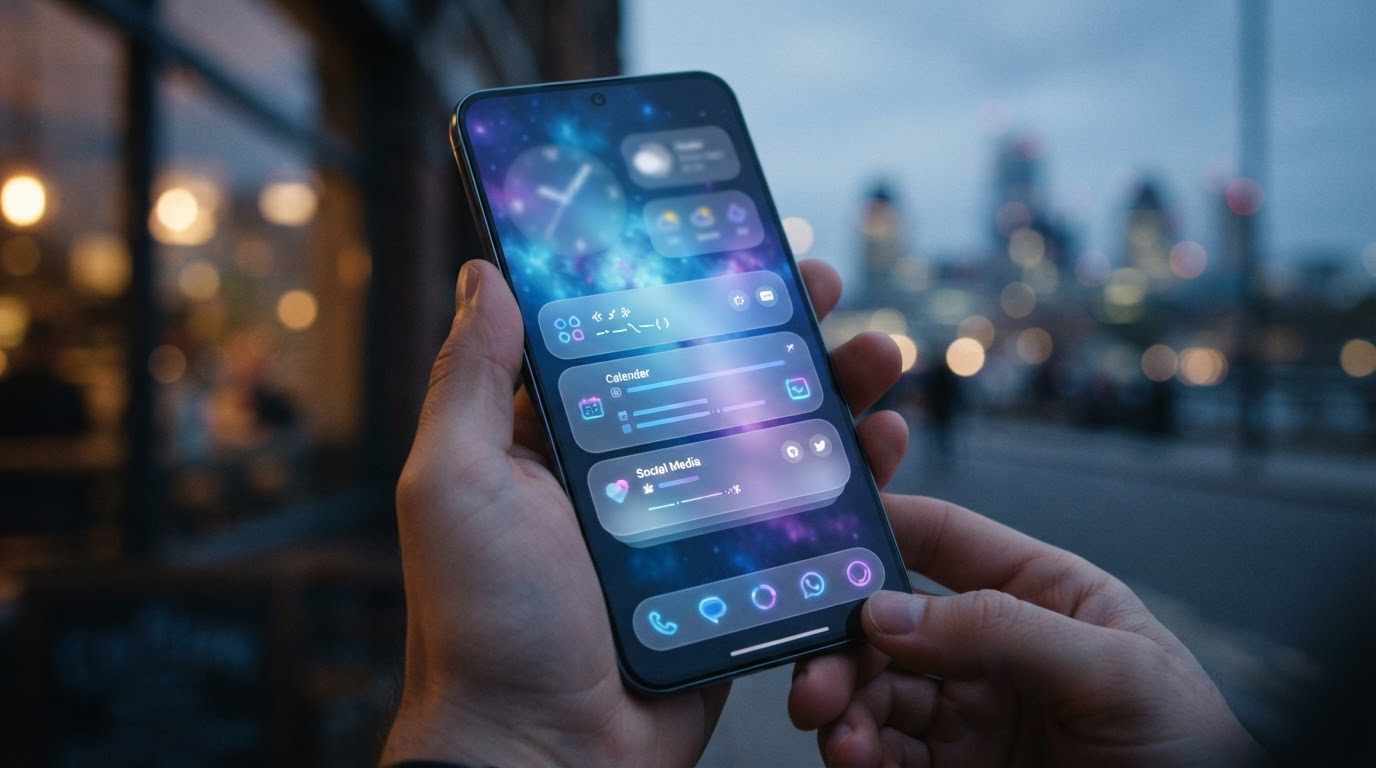
HyperOS 4 introduces interface refinements, updated system experiences and AI features on supported devices. Xiaomi notes that feature availability varies by model, region, language and software version. Do not assume every advertised feature will work on every phone in Bangladesh.
7. Should you install immediately?
For a primary work phone, waiting a few days for early rollout feedback can be sensible. Install when the update is offered for your exact model, your backup is complete and you have time to check banking, camera, battery and connectivity afterward.
Official source: Xiaomi HyperOS 4 features and rollout schedule. Also read our HyperOS 4 device list.
Update schedules can change. Always confirm availability on Xiaomi’s official channels for your exact regional model.