
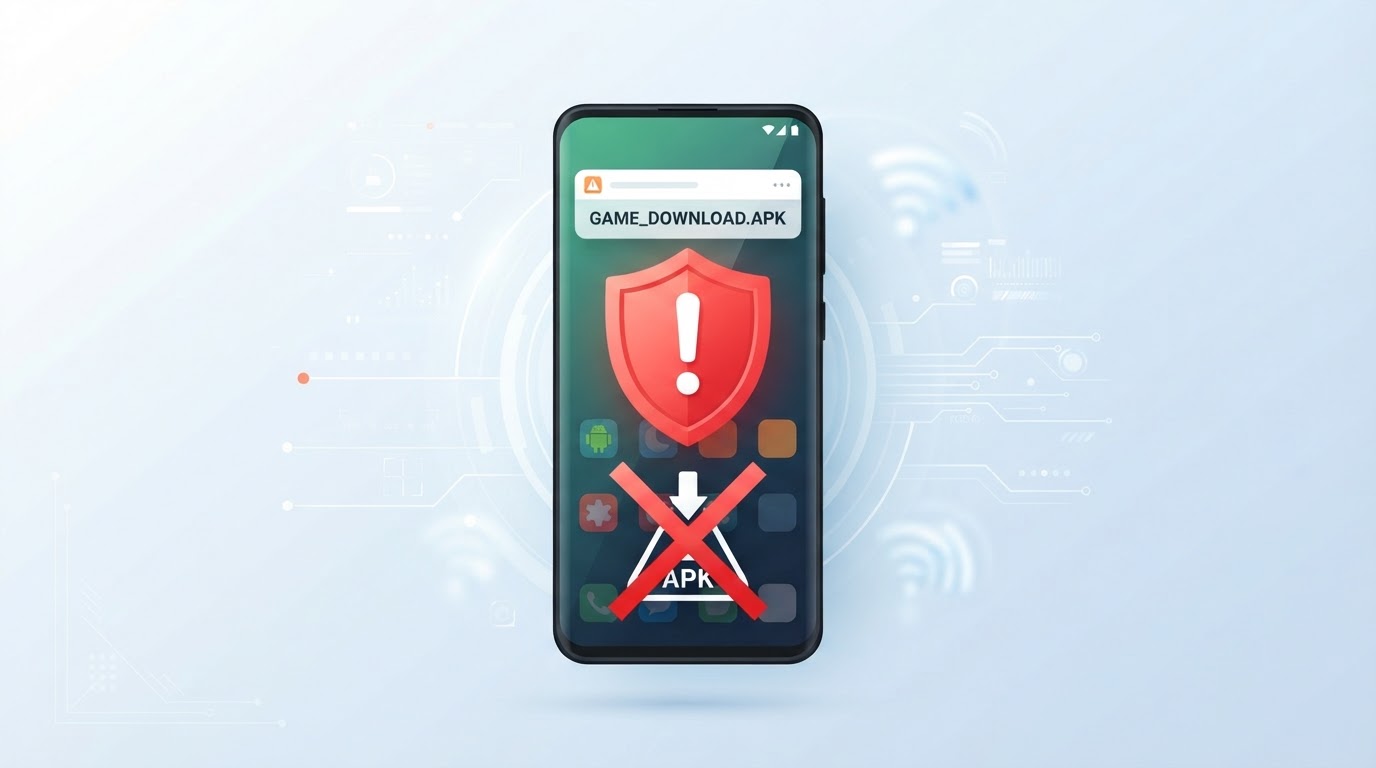
A viral video or download page may claim that a major console game is available as an Android APK. Treat extraordinary claims carefully, especially when the download is not linked by the game publisher.
Check the official publisher
Look for announcements and store listings from the publisher or an authorised platform. A random APK page is not proof of an official release.
Watch for fake download buttons
Ad-heavy pages may show several misleading buttons that lead to unrelated downloads or surveys.
Do not disable Android protection
A site asking you to turn off Play Protect or install an unknown certificate is a serious warning sign.
Check app permissions
A game should not need access to SMS, contacts or accessibility services without a clear, legitimate reason.
Avoid account and payment traps
Never enter Google, social or payment credentials into a third-party download page to unlock a game.
If you installed something suspicious
Uninstall it, run a security scan, review special app access and change passwords from a trusted device if credentials were entered.
Quick checklist
Download games from official stores or publisher links. If an Android version is not officially announced, do not trust a random APK claiming otherwise.
Which tip would you add? Share your experience in the comments and send this guide to someone who may find it useful.