

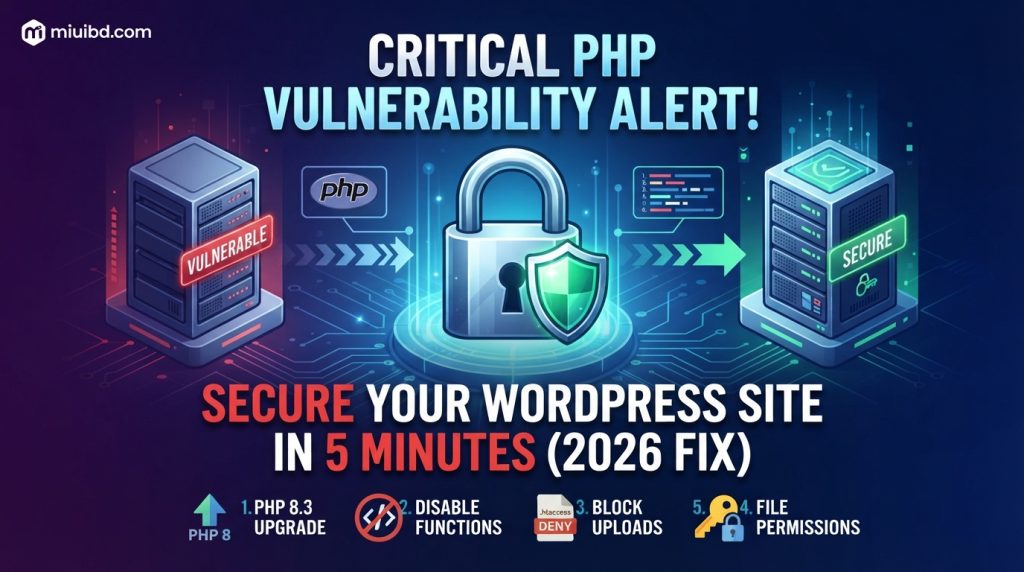
If you are running a WordPress site or custom PHP web application in Bangladesh, your server could be exposed to critical Remote Code Execution (RCE) and SQL Injection vulnerabilities targeting older PHP versions and outdated plugins.
Automated malware bots constantly scan Bangladeshi IP blocks and web hosting servers looking for unpatched PHP scripts to inject redirect scripts, spam backlinks, and backdoor web shells.
In this step-by-step security guide, the MIUI BD tech team walks you through identifying PHP vulnerabilities on your server and applying immediate patches without breaking your website.
1. Common Symptoms of a PHP Security Vulnerability
If your site is vulnerable or already compromised, you will likely notice:
- Redirect Attacks: Visiting your homepage redirects users to random spam or gambling sites on mobile devices.
- High CPU / Memory Spikes: Unknown PHP processes (like
index.php,wp-tmp.php, or random named.phpfiles) consuming 100% server CPU in cPanel. - Google Search Console Warnings: “Deceptive site ahead” or “This site may be hacked” warnings in Google search results.
- Corrupted
.htaccessFile: Auto-generated malicious rewrite rules reappearing even after deletion.
2. Step-by-Step Fix to Patch PHP Vulnerabilities
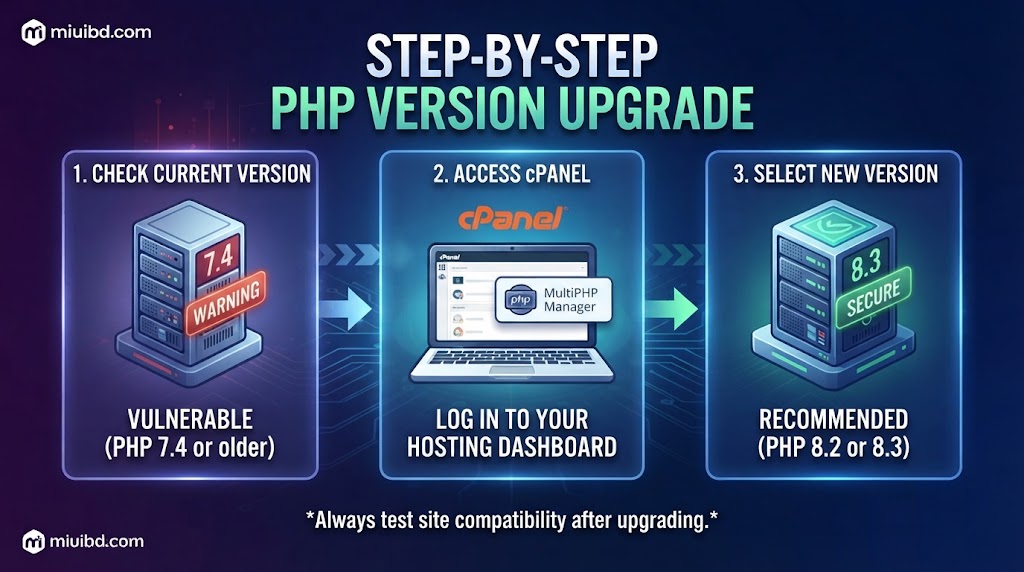
Step 1: Upgrade to a Secure PHP Version (PHP 8.2 / 8.3)
Older PHP versions (PHP 7.4 and below) no longer receive official security patches.
- Log into your cPanel অথবা CloudPanel / CyberPanel.
- Search for Select PHP Version অথবা MultiPHP Manager.
- Upgrade your domain’s PHP version to PHP 8.2 অথবা PHP 8.3.
- Test your website to ensure all active plugins are compatible.
Step 2: Disable Dangerous PHP Functions in php.ini
Malware scripts rely on specific PHP functions to execute shell commands on your server. Disabling them prevents execution even if a hacker uploads a backdoor file.
- Open your
php.inifile (or MultiPHP INI Editor in cPanel) and add/update the following line:
Ini, TOML
disable_functions = exec,passthru,shell_exec,system,proc_open,popen,curl_exec,curl_multi_exec,parse_ini_file,show_source
Step 3: Block Unauthorized PHP Execution in Uploads Folder
Hackers often exploit plugin upload forms to upload malicious .php files into /wp-content/uploads/.
- Open your site’s Root Directory via File Manager.
- Navigate to
/wp-content/uploads/. - Create a new
.htaccessfile inside theuploadsfolder and paste this code:
Apache
<Files *.php>
    deny from all
</Files>
(This prevents any PHP script inside the uploads folder from being executed by a web browser).
Step 4: Harden File Permissions
Ensure your server permissions prevent unauthorized code modification:
- Directories/Folders: Set to
755অথবা750. - Files: Set to
644অথবা640. wp-config.php: Set to600অথবা440.
3. Recommended Security Plugins & Tools
- Wordfence Security: Real-time endpoint firewall and malware scanner for WordPress.
- Cloudflare WAF: Free web application firewall to block SQLi and automated PHP exploit bots at the DNS level.
- Patchstack: Great for monitoring real-time plugin vulnerabilities before official updates are released.
💡 Summary
Preventing PHP vulnerabilities requires keeping your server environment up to date, disabling risky execution functions, and blocking script execution in media directories.
Experiencing an active malware infection or a broken site after a PHP upgrade? Leave a comment below with your server details, and our tech community will assist you!